
Troi Encryptor Plug-in
Troi Automatisering
Summary
Product Type: Extensions
Price: 85 single user, multi-user discounts available
Last updated: 4/8/2026
Language: English
Product websiteCategory
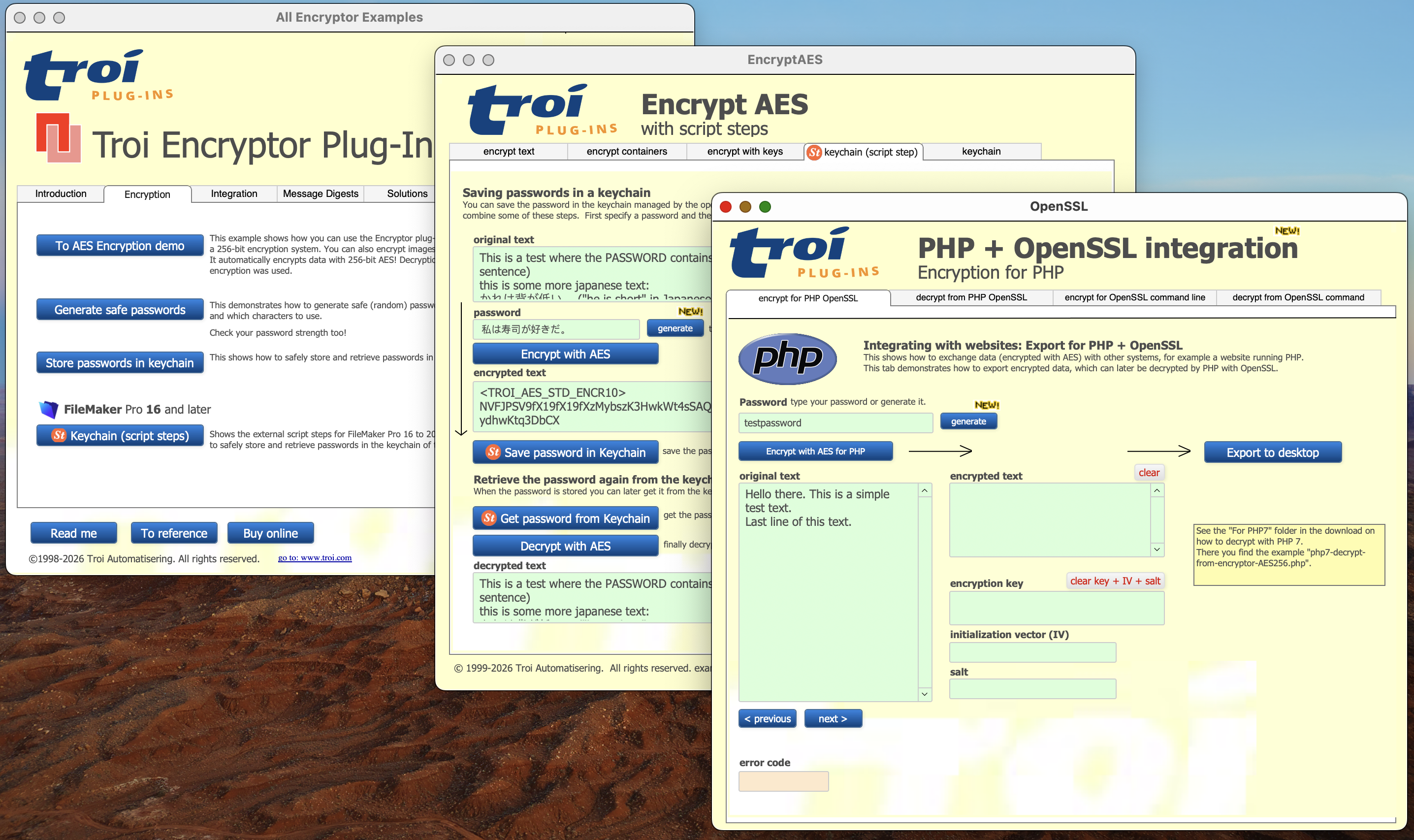
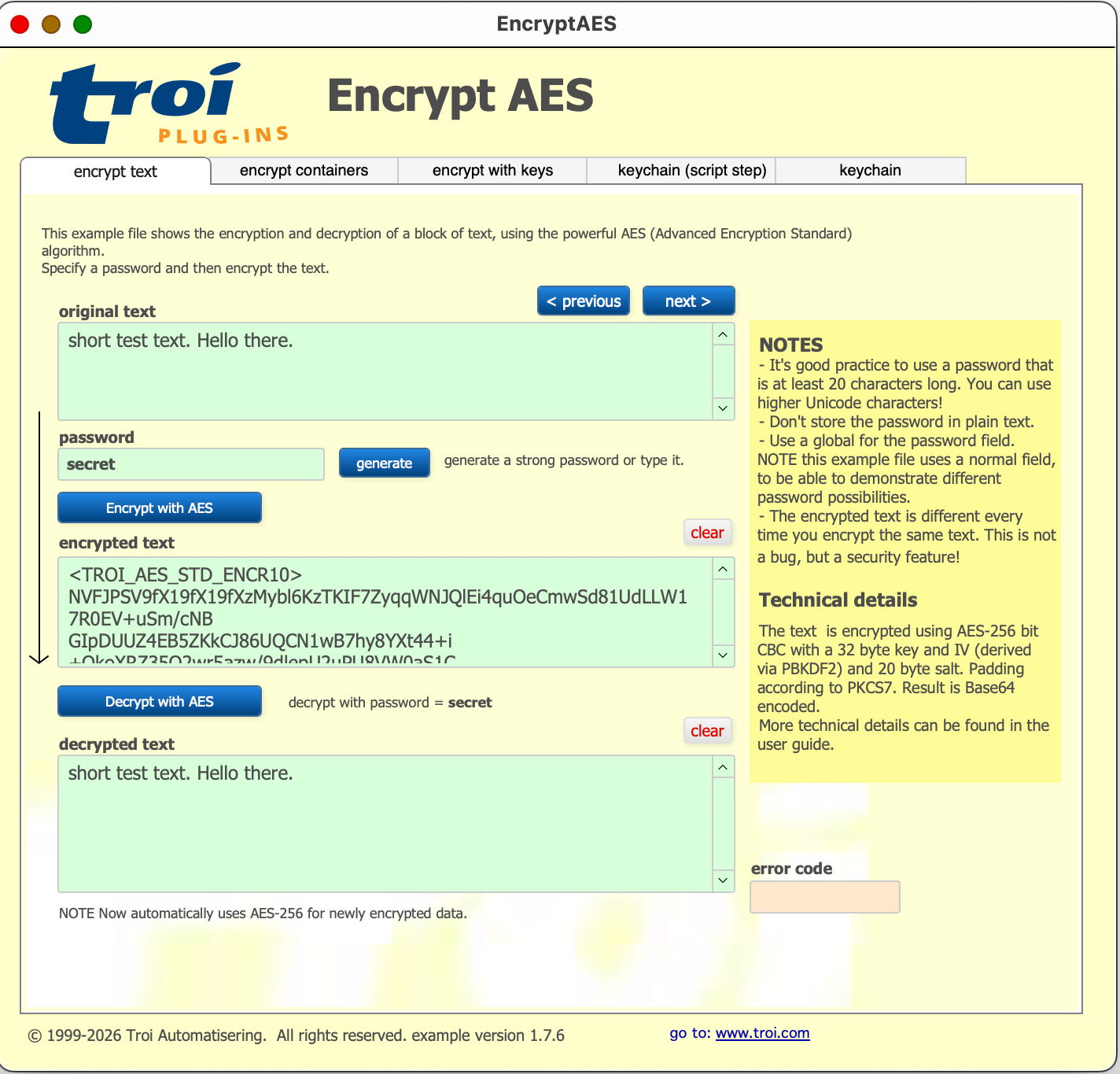
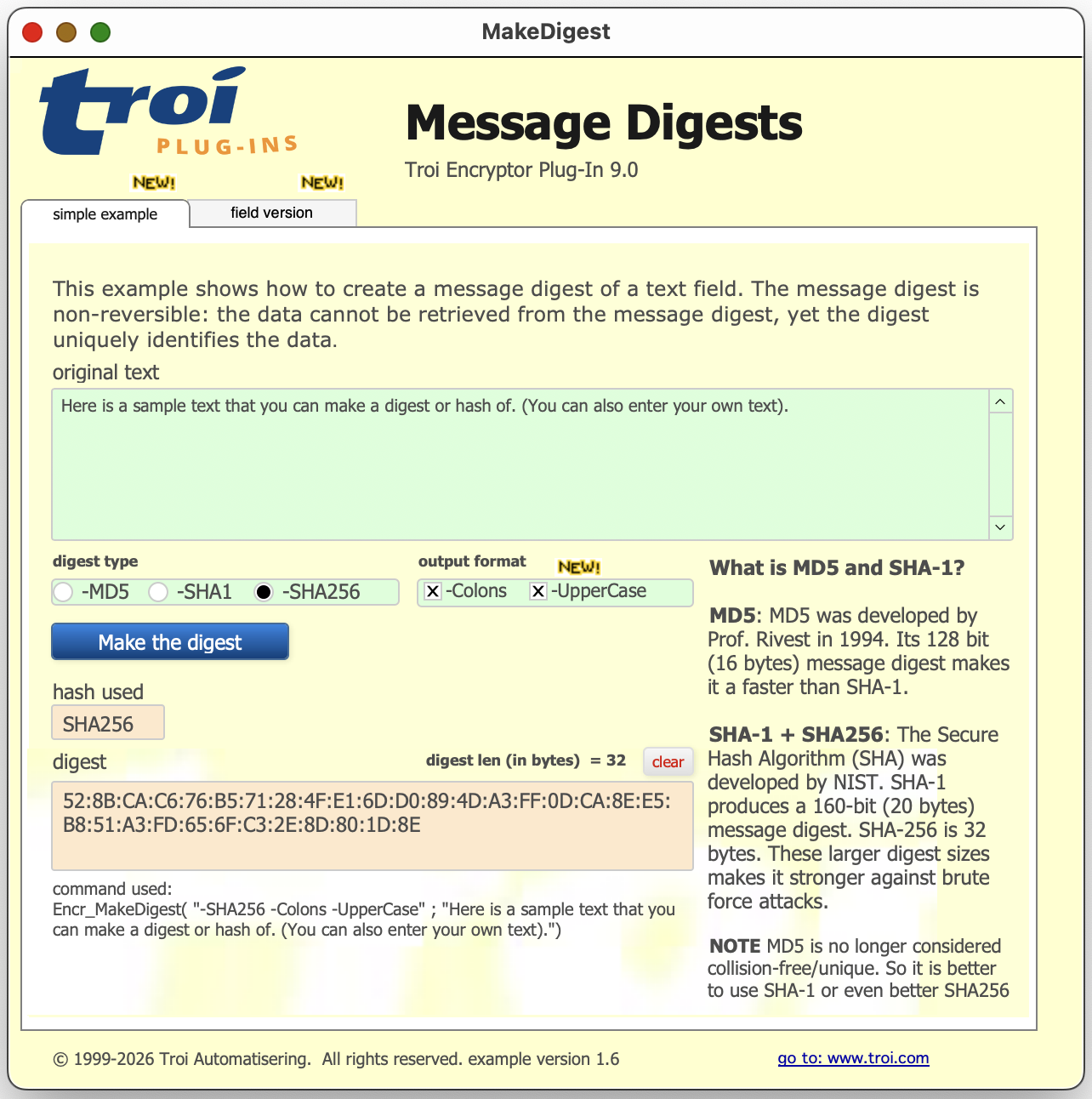
Secure your FileMaker data
This plugin adds encryption and encoding functions to FileMaker Pro.
Troi Encryptor Plug-in is a very powerful tool for securing your FileMaker data, exporting or emailing your data without risk and importing safely back into FileMaker. Encrypt text or container fields, using the powerful 256-bit AES encryption scheme, so that your sensitive data is secure. Export encrypted data that can be sent safely over internet, for example via email. No risk that someone will read or change the data while in transit. Use the decryption functions to restore the original information after you have imported the received email or export file back into FileMaker, with the assurance that nobody will have tampered with it.
Troi Encryptor Plug-in has 3 functions that enable you to easily exchange AES-encrypted data with other systems. Externally AES-encrypted data can now be decrypted in FileMaker with Troi Encryptor Plug-in and vice versa! We also added an ‘-OpenSSLCompatible’ switch to the plug-in’s EncryptAES and DecryptAES functions. This facilitates the exchange of encrypted data between the plug-in and the OpenSSL functions of PHP 7 or the openssl command in a command line interface (for example the macOS terminal). In the download we added an extensive example which demonstrates how to decrypt data generated with the plug-in’s EncryptAES function with the OpenSSL functions of PHP 7, and the other way round: how to decrypt data generated by the OpenSSL functions of PHP 7 with the plug-in’s DecryptAES function.
The Encr_GeneratePassword function generates a strong, random password with a specified length. You can check the strength of a password with the Encr_GetPasswordStrength function. The plug-in allows you to store passwords in the keychain and retrieve and delete them later, all directly from FileMaker. When you save a password into the keychain, you specify the name of the account (or user) associated with it, and optionally an extra ID, which will help you distinguish between different passwords for the same account. As the keychain is unlocked when the user logs in to the operating system, the password can later be retrieved from it without the user needing to enter the (keychain) password. You can then use the retrieved password to decrypt text in a field, for example with the Encr_DecryptAES function. A third function allows you to delete previously stored passwords from the keychain.
This plug-in also allows you to verify data integrity and sources with SHA-256 message digests. You can encode text in e.g. Base64, make conversions to and from binary and compress databases with large text fields.
What's New
Troi Encryptor Plug-in 9.0 was tested and made compatible with Claris FileMaker Pro 2025 (FileMaker Pro 22.0.6) and Claris FileMaker Pro 2024 (FileMaker Pro 21.1). This version was furthermore tested and made compatible with 26 (Tahoe), macOS 15 (Sequoia) and with Windows 11, including Windows 11 version 25H2 (September 30, 2025). We added a new “-UpperCase” switch to the Encr_MakeDigest function. When you add this switch the digest (hash) is returned in upper case characters. For other new functionality please see https://www.troi.com/products/encryptorplugin/
Additional resources

Claris product features
See why Claris products are the top choice for developers for their low code needs.

Product resources
Get instant access to helpful resources and start creating custom apps today.